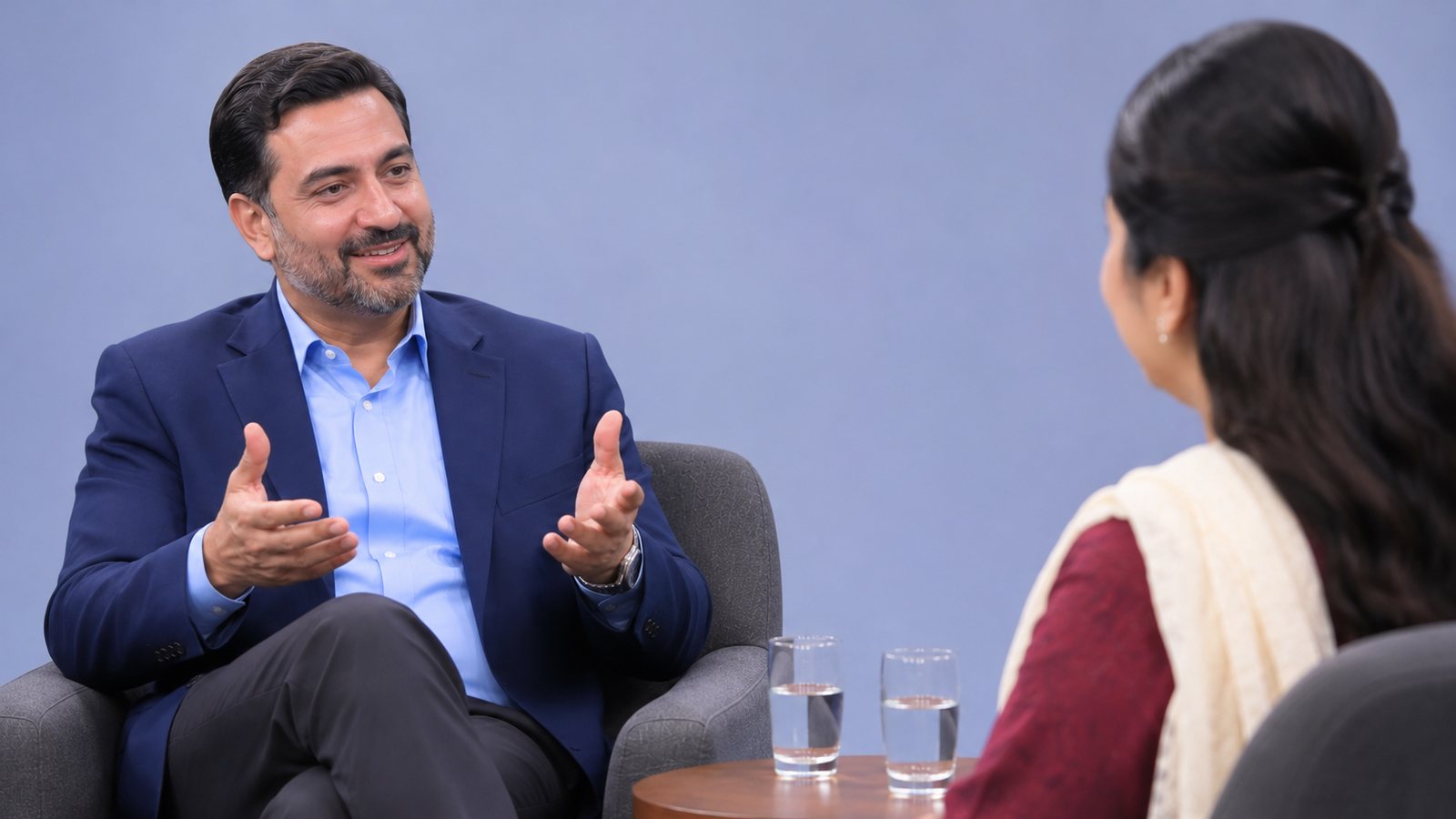
Service or Talk Show. Every Camera and Guest. One Finished Film.
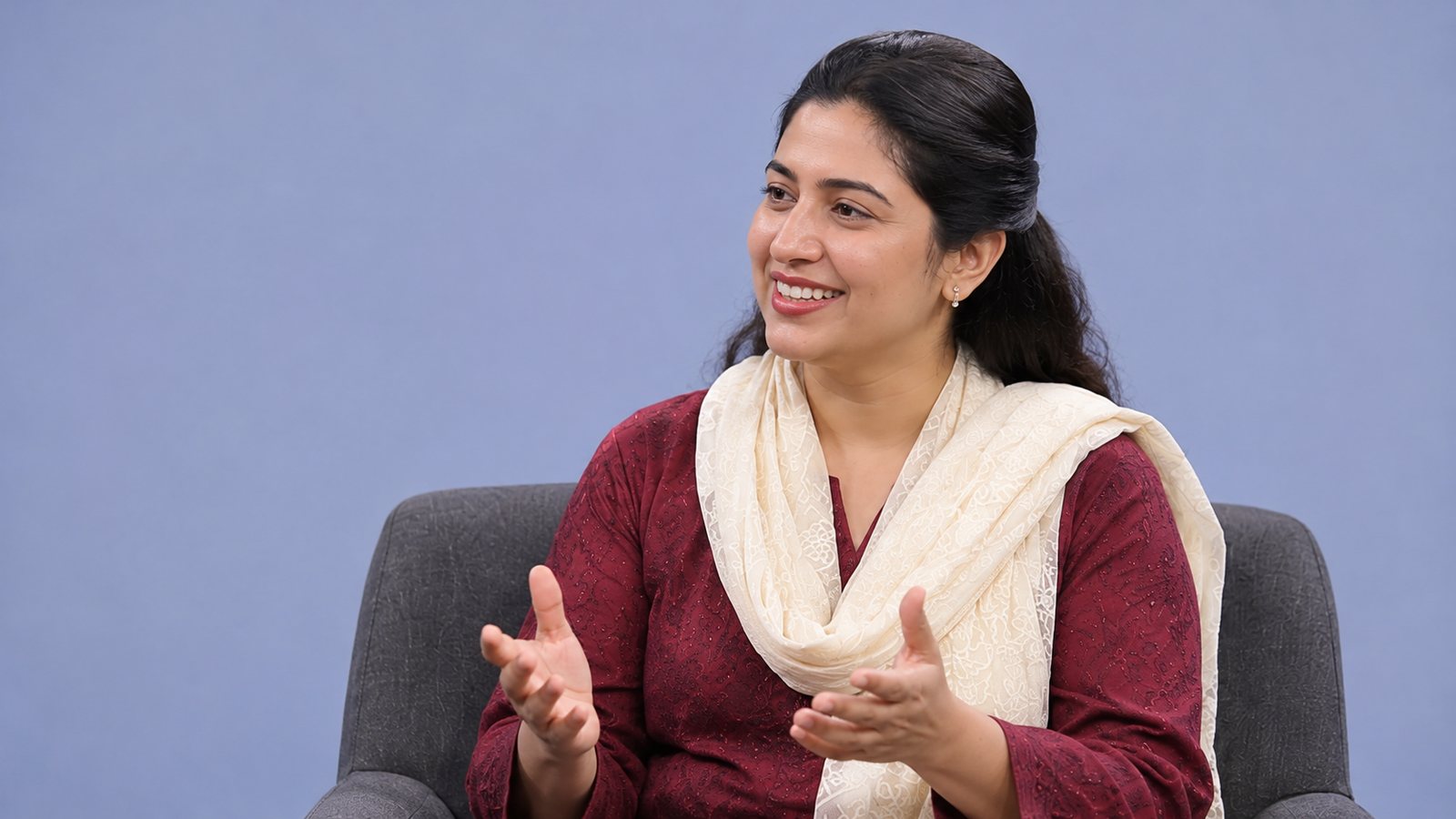
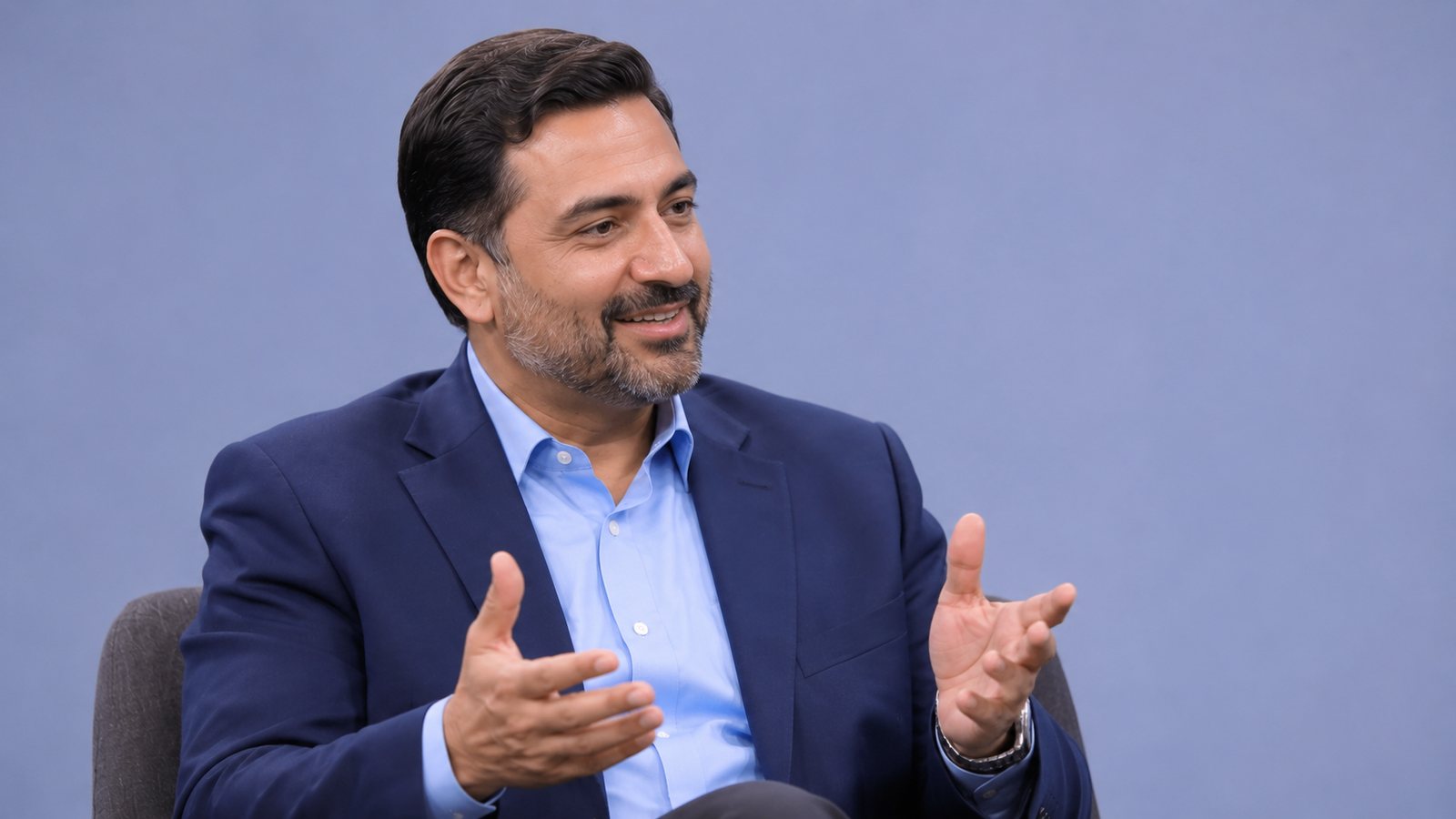
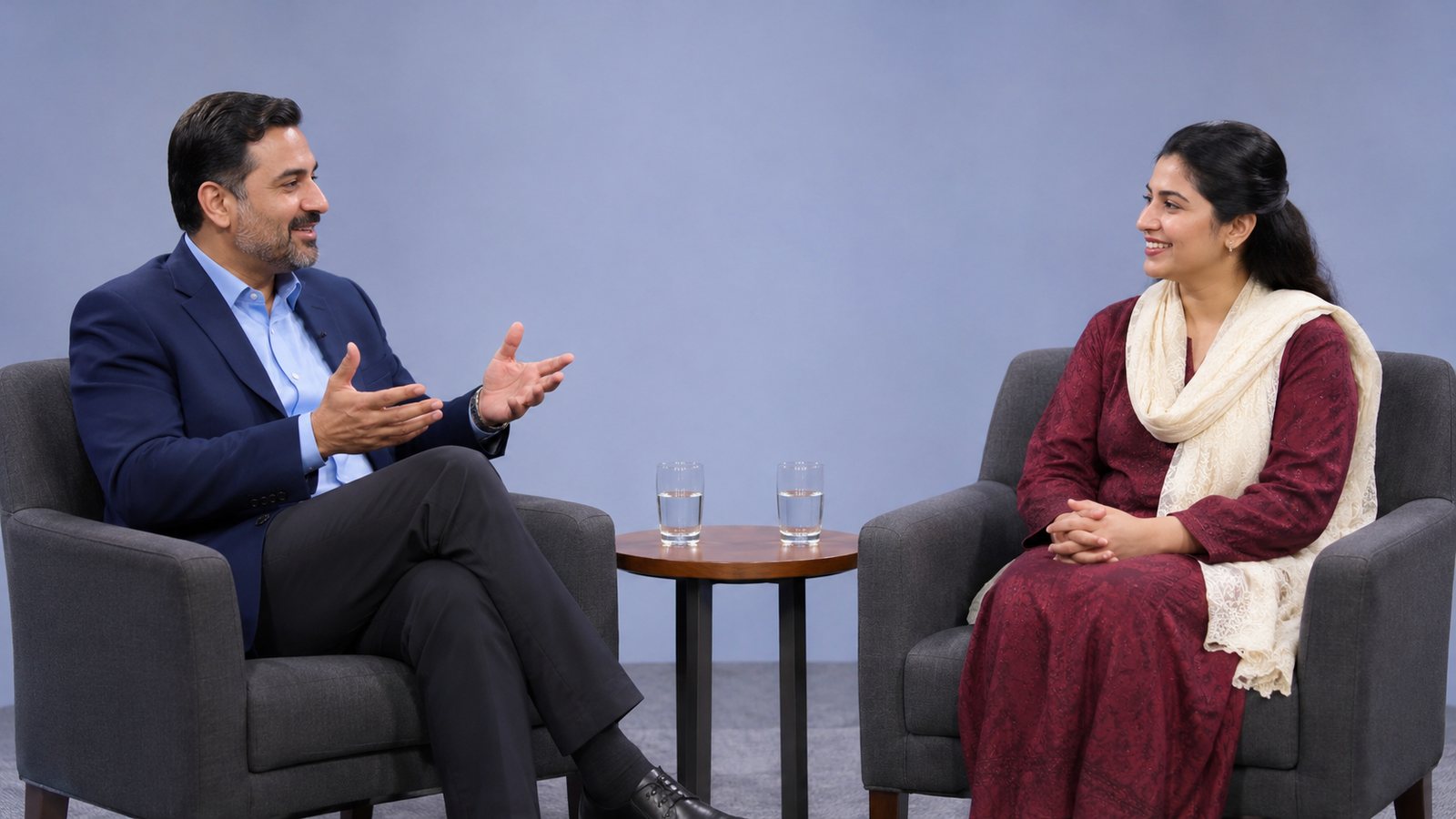
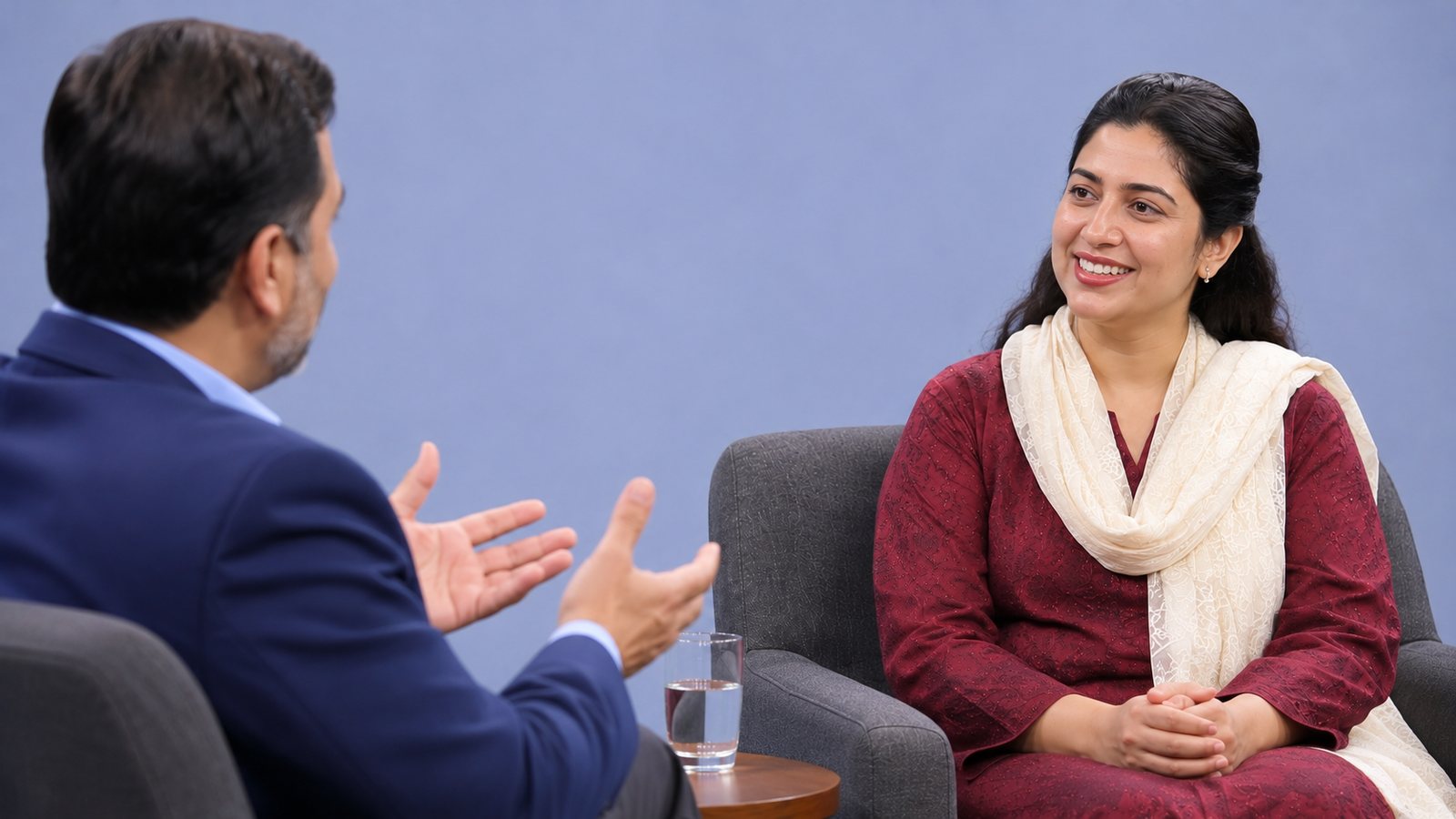
Faith Stream turns a laptop, USB cameras and phones into a multi-camera studio. Switch between shots as it happens, and the finished Full HD film is saved on your computer. Guests can join from anywhere with one link, and up to six people fit in one talk-show picture.
No card needed Chrome and Edge, Mac and Windows Your set-up is remembered
The Studio
See Every Camera. Choose the Shot.
The next shot waits on Preview, the shot being recorded is on Program, and every camera sits in a row below.
Faith StreamTalk ShowREC 00:24:1310:42:18
PREVIEW · NEXT3 · Guest
PROGRAM · ON AIR2 · Host
Welcome to the Talk ShowLive From the Studio
CUTFADEClick a camera to send it to Preview. Double-click to put it straight on air.
1Wide
2Host
3Guest
4Guest Angle
5Host Angle
Full HD1080p film, 30 frames a second
4Kcoming with the download for Mac and Windows
6phones and guests in one show
MP4opens on any computer or phone
14 daysfree, no card needed
Features
Everything a Small Crew Needs
For churches, schools, community groups, businesses and channels. One person at the laptop can run the whole recording.
Many Cameras
Plug in USB cameras, and add phones as extra cameras by scanning a QR code. Up to six phones and guests together.
Switch as It Happens
See the next shot on Preview, then Cut or Fade it on air. Or double-click a camera. Number keys work too.
One Finished Film
The recording is saved straight to your computer as a Full HD MP4. You can also keep every camera as its own file for editing.
Logo, Titles and Ticker
Put your logo on screen, keep a list of name titles and show them with one click, and run a moving line of text.
Split Screens
Two cameras side by side, picture in picture, a panel of speakers, or four cameras at once.
Talk Shows
Up to six people in one picture, each with their name underneath. A row, two rows, or a speaker beside a wide camera, with your own video behind them if you like.
Guests From Anywhere
Send one link. Each guest joins from their own phone, with nothing to install. Guests hear the show and each other, but never their own voice coming back.
The Speaker Lights Up
A gold frame goes round the person speaking. Spotlight gives one person a large box, and it can follow whoever is speaking.
Sound Mixer
A fader, level meter and mute for every microphone. The operator listens on headphones, an earpiece or loudspeakers, and can talk to guests off air.
TV or Second Screen
Send the finished picture to a TV or projector, full screen, while the controls stay on the laptop.
Remembers Your Set-up
Your set-up is kept on your laptop, so the studio is ready the next time you open it.
Works Without Internet
After the first visit, the studio opens and records with USB cameras even when the internet is down.
How It Works
Ready in Three Steps
No downloads to hunt for and nothing to set up on a server.
Sign In With Google
One button. Your free 14 days start the first time you sign in.
Add Your Cameras
Choose your USB cameras, and scan the QR code with each phone you want to use as a camera.
Switch and Record
Press Record, switch between your shots, and press Stop. The film is already saved in your folder.
 Faith StreamTalk ShowREC 00:24:1310:42:18